
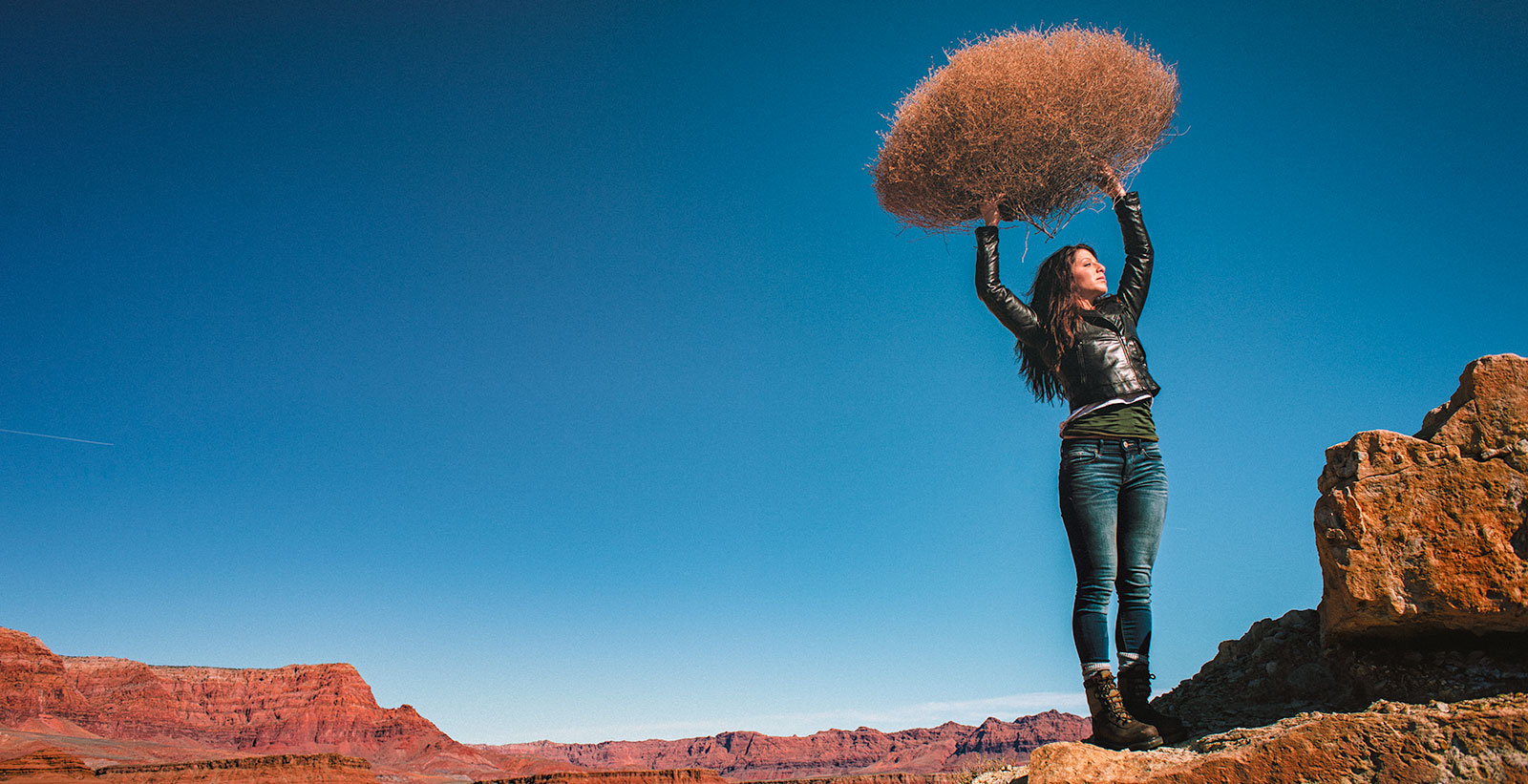
LIGHTING PRINCIPLE THREE: THE COLOR OF LIGHT
We see light usually as a white source, or at least a neutral source.
It isn’t. neutral, it has a color to it and that color can influence all the parts of your image, from shadows to highlights. We don’t see the color of light because our brain changes it to a neutral “white” color as we see it.
Here is a wonderful article that explains the way that the color of light affects your image. Read it now.
When we look at the color of the scene in front of us we can change it globally by changing our color balance in the camera, or using a filter. What “globally’ means is that everything in the photo is changed to the same setting. All the colors are altered by this global change to the color of the light.
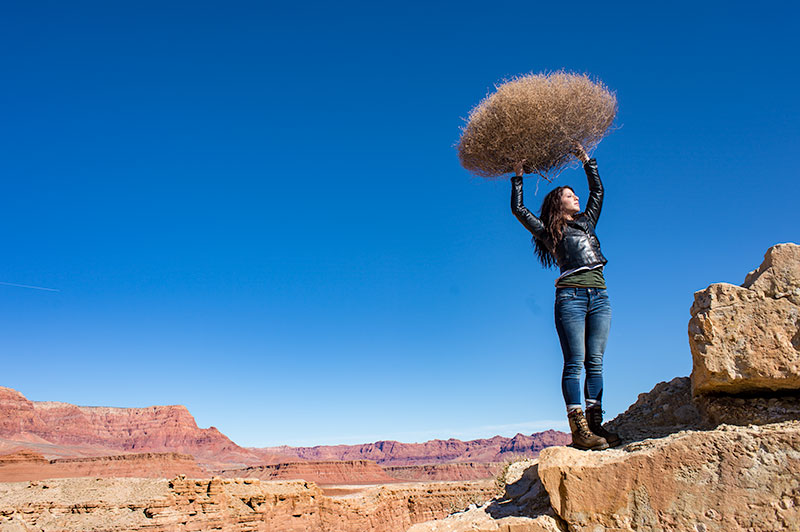
On the left is a photograph taken near Mable Canyon. The sun was quite bright, and there was a bit of warmth to the image because of all the warm browns and oranges of the topography all around us.
This image is as shot. I have applied global changes to the color of the light source so you can see what that does to the image.
Below from left to right:
Daylight / Shade / Tungsten / Flourescent
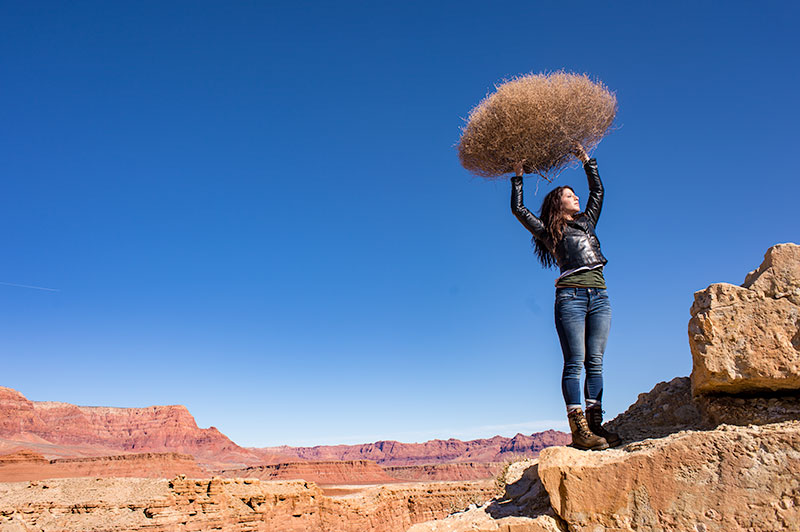
DAYLIGHT
Changing from As Shot to Daylight shows very little difference, although the daylight color balance makes it a bit more warm.
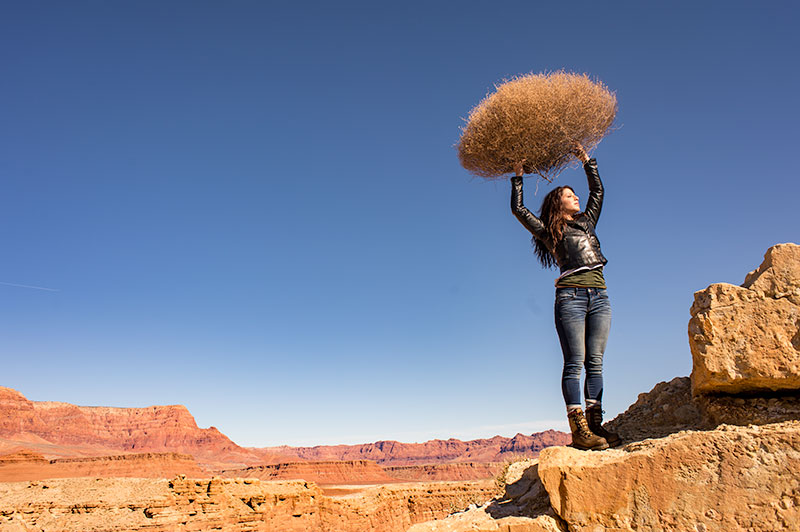
SHADE
Since the color of the light in the shade is a bit more blue, we add some warmth to the overall image to compensate for it. In this shot you can see the global warmth is not going to work because the image was not shot in the shade.
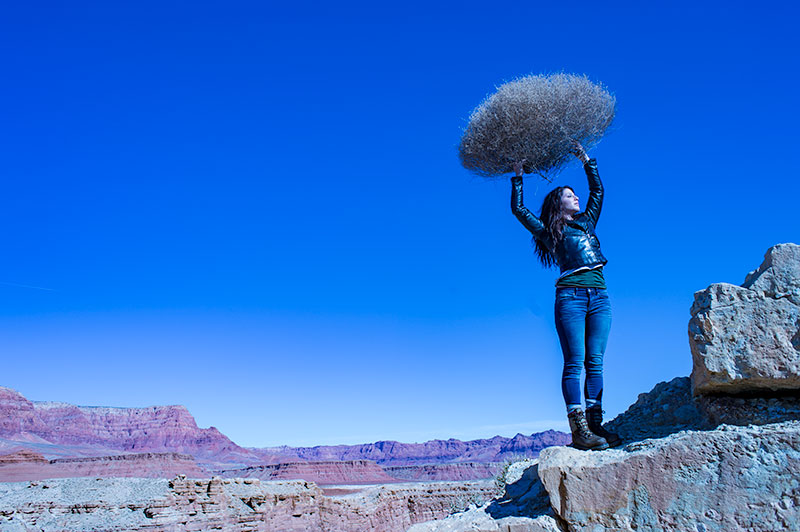
TUNGSTEN
Tungsten light is very orange, so when we apply a tungsten color balance to a shot that is not too orange, we get this very blue looking shot. This is a good reminder of just how ‘warm’ tungsten light is if it takes this much blue to make it correct.
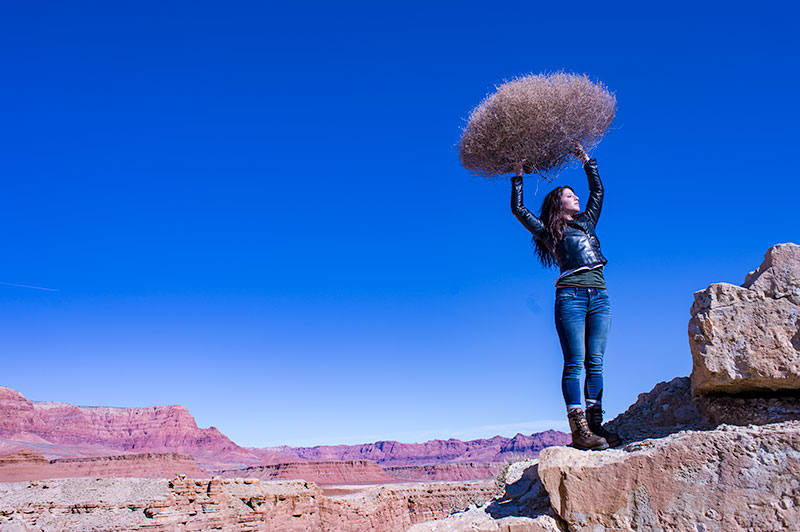
FLUORESCENT
Fluorescent light is blue/green so it makes it difficult to compensate for. In this application of the fluorescent color balance, we can see the sky going a deep blue, while the desert mountains behind become more magenta.
LOCAL LIGHT SOURCE MATCHED TO AMBIENT
Working with a secondary light source that may be a different color presents us with a challenge. We cannot change the image globally because adding a correction to the image to correct for the different light source will affect the entire image.
We must then change the different light source to the ambient (or overwhelming light) in order to ‘balance’ the subject in the ambient setting.
The ambient setting is the overwhelming light that we usually cannot change: the sun, a large warehouse, a home. Bringing in our own lights means we must know how to match what we bring to what is there.
ASSIGNMENTS FOR THIS CLASS:
- Using the color settings on your camera, take the same image with each of them. Shoot with Daylight, Shade, Tungsten, Flourescent at least and do this in places where those colors exist. In other words, shoot some images outside, inside with regular household lamps, and some place that has Flourescent. (NOTE: Many big box stores use a light source known as Mercury Vapor. Mercury Vapor is blue/green so it is very difficult to adequately address. We can add magenta to offset the green, but that turns the blue part of the light to purple. If we address the blue with something warm, we add that to the green part of the light.For Mercury Vapor correction, try “auto” on your camera setting. It is the best I have found for correcting most of that blue/green color shift.
- Using a strobe (speedlight), take a photograph of someone while the sun is going down behind them. Do not alter the strobe setting, just let it keep making the shot as the light turns warmer and warmer. You will then see how “blue” the light source seems coming from the flash.You may have to change the settings as the light gets dimmer, but I think you will see the changes pretty well.
We will be addressing color balance in all of the upcoming classes.
March Madness: 31; Making the Subject Look Cold
Making The Subject Look Cold By Pablo Minier (This is the last of the March Madness tutorials. If you want to take them all in, just click the March Madness graphic on the right and it will take you to a list page. We hope you enjoyed these little tutorials and got...

March Madness: 30; Building a Successful Instagram for Paying Clients
Building a Successful Instagram for Paying Clients By Virginia Smith Is it just about getting as many followers as you can? As far as Instagram goes (and even twitter) it's better to focus on up and coming brands, brands that are trending or that interact with their...
March Madness: 29; A Different Approach to Table Top
A Different Approach to Table Top By Thomas Poehler A very common assignment when it comes to table top product photography is to capture a product in a neutral setting. Often you are asked to have white seamless background with no or without shadows and reflections....
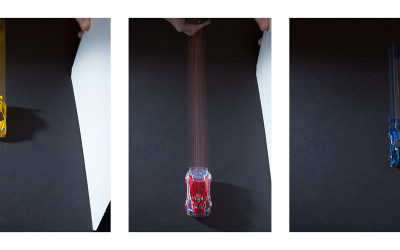
March Madness: 28; Showing Motion
Showing Motion In a Still Image by Sarah Flannery Our most recent P52 assignment was a to portray the concept of "speed." The image was to be used in billboards and magazine ads for a local motorcycle and bicycle delivery company. I quickly came to the conclusion...
March Madness: 26; Make Better Travel Photos
Make Better Travel Photos by Chad Lue Choy https://www.youtube.com/watch?v=LASP0aGapus
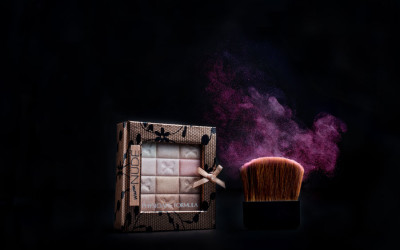
March Madness: 26; Photographing Cosmetics
PHOTOGRAPHING COSMETICS By Anjali Fong ASSIGNMENT: Shoot an ad for a local cosmetics company. Use something as a prop to help stage the cosmetic(s) you choose to shoot. Perhaps a stone, or a flower, or a lovely piece of wood. Set off the cosmetic item with a single,...
March Madness: 25: One Thing About One Thing
How would you say just one thing in an image? by John McAllister Moreover, how can you convey a wide-ranging concept such as 'just one thing' that is both immediately understood and eye-catching? For me, it's starting with the creation of a list of descriptive...
March Madness: 24; Steaming Coffee Still Life
Shooting a Steaming Cup of Coffee By Teresa SteMarie This image was made to respond to a P52 conceptual photography assignment with the task of say one thing about one thing. Concept The concept I chose was to show that the coffee was HOT. To emphasize the hot...

March Madness: 23; Retouching a Headshot
Portrait/Head shot Retouching Tutorial: By Alex Baker Most portraits need some amount of retouching in Photoshop to help them look their best, and to an extent, many clients expect it. The most important thing to remember when retouching is to do everything on a...
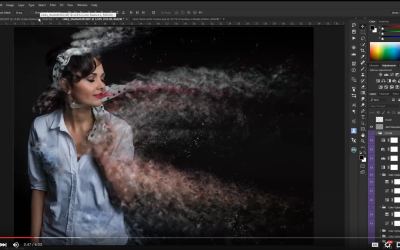
March Madness: 22; Making an Action in Photoshop
How to Create a Photoshop Action by James Kern https://www.youtube.com/watch?v=DVUXzHbJVAk
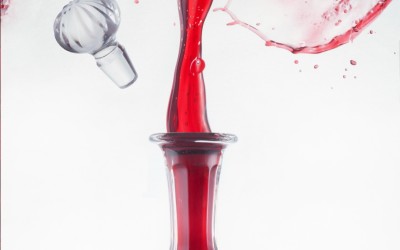
March Madness: 21; A Unique Pour Shot
The Beauty of the Pour by John McAllister Freezing the movement of liquid will always captivate the viewer. Each snap of the shutter creates a unique image. Take a moment to think about the multitude of variables involved in the simple act of pouring a wine into a...
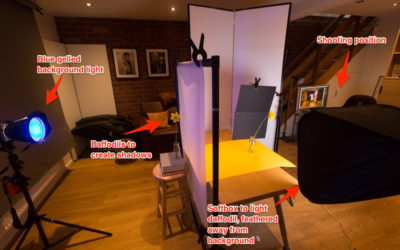
March Madness: 20; Making the Image by Making the Shadow
David Travis is a Project 52 member, and a quite wonderful photographer. For the Still Life Class, the assignment was to create powerful images using a "point source" light which would create a powerful shadow. In fact, the shadow should define the subject in many...
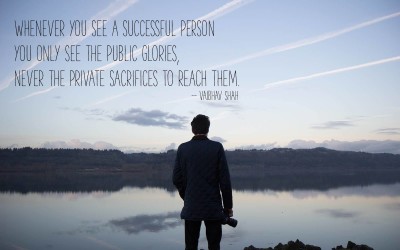
March Madness: 19; On Going Pro After Working Corporate
GOING PRO? Quitting the day job for a life as a freelancer? OK... but here is something to think about. You can quit that soul-sucking cubicle job, but can you let it go? I think that is going to be the toughest challenge you face. Corporate life and the life of a...

March Madness: 18; Photographing Chocolate
The P52 Assignment Brief: Chocolate. Bret Doss “A square image that screams chocolate, with a bit of an editorial look if possible.” That is the extent of the brief; the rest is up to me. It allows a lot of possibilities, of course, which is both wonderful and...
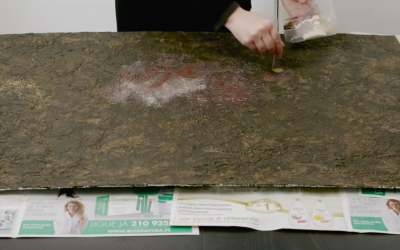
March Madness: 17; Building a Backdrop for Table Top Photography
How to create a background for table top photography by McGunn Media. https://www.youtube.com/watch?v=B6Igq7Ig-bg&feature=youtu.be
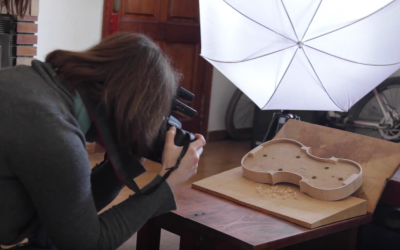
March Madness: 16; Photographing a CD Cover
SHOOTING A CD COVER By Alex Baker I was asked by a local string quintet to create some images to be used for their debut cd which they recorded in December. I've made a few album covers before and although you can go in pretty much any direction, there are a few...
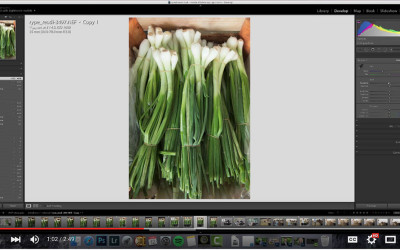
March Madness 15: Introduction to a Lightroom Edit
An introduction to the basics of Lightroom by Brian Miller: https://www.youtube.com/watch?v=jXYYHZ7FRWo
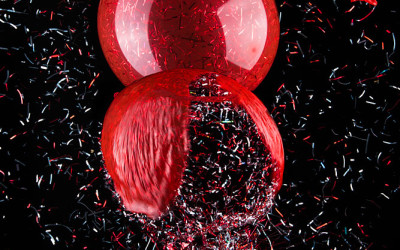
March Madness: 14: Blowing Up a Balloon
THE EXPLODING BALLOON SHOT By James Kern https://www.youtube.com/watch?v=aJUTECg0GgI Images:
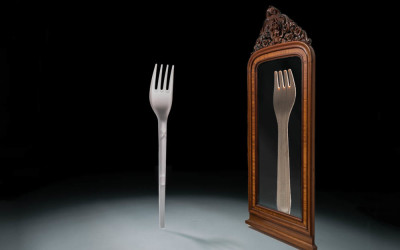
March Madness: 13; Fun with Forks
The Fork Shot By Tammy Bogestrand – www.tammybogestrand.com The assignment (Assignment 27) was to create a shot with a fork (or forks) for a company dealing in ”change”. Food as props were to be avoided. Other props were fine, as long as the Fork was the star....
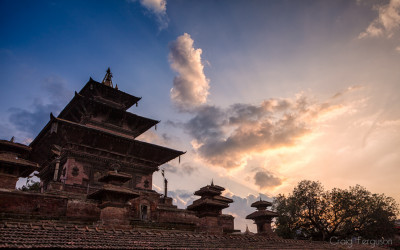
March Madness: 12; Travel Photography Tips
Planning Your Travel Photos by Craig Ferguson www.craigfergusonimages.com With summer coming up a lot of you are probably busy making plans to get away for a well-deserved vacation somewhere. I thought it would be useful to look at a few ways you can plan ahead of...
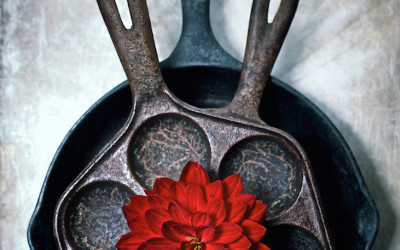
March Madness: 11; Still Life with Flower
The P52 Assignment Brief: Still Life with Flower. Bret Doss “A color, vertical (portrait) oriented still life image with ordinary objects, diffuse main light source, that must contain at least one flower, but the flower(s) must not be the subject of the image. The...
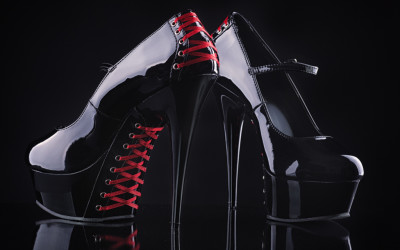
March Madness: 10; Photographing Women’s Shoes
Shooting Women's Shoes John McAllister Photograph some high heel shoes? How hard can that be? I immediately called my fashion-conscious daughter to provide a selection of her favourite heels. I soon realised the design and construction of shoes present a far more...
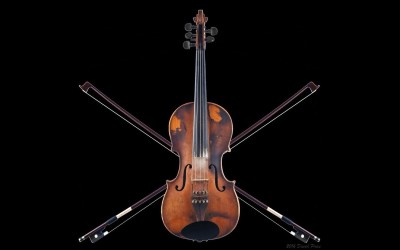
March Madness: 09; Violin Pirate Flag
Violin Pirate Flag By David Price Photographed January 2016 Years ago, some friends and I were messing around, experimenting if you will, with some concept photographic sketches and some writing. We got onto the idea of an extended piratical adventure and ran with it....
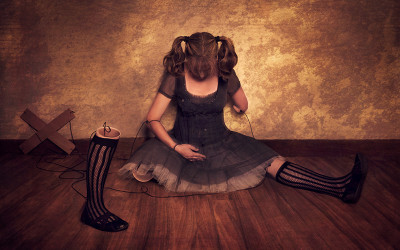
March Madness: 08; The Making of “Broken Doll”
The Making of "Broken Doll" By Carla McMahon (NOTE: This image won the Annual Kelby One Photo & Design Contest) This is a composite of about 5/6 images. My camera was on a tripod and every image was taken from the exact same angle and focal length. First an image...